 Keep spoken voice
How to Remove Background Music From a Video but Keep the Voice
Music and talking mixed into one video? Check original tracks, preview AI separation, and inspect dialogue before exporting a finished file.
Read the workflow RemoveBackgroundMusic
THE SEPARATION FIELD GUIDE
Better decisions after the music leaves: practical notes on dialogue, sound effects, difficult mixes, and the point where more processing creates a worse result.
START WITH THE DECISION
If you only need intelligible speech, begin with music removal versus voice isolation. If a processed result already sounds metallic or incomplete, use the artifact guide. For a new file, learn how to select a revealing preview and when reducing music is safer than forcing complete removal. Every guide separates published technical evidence from product observations and recommends the untouched original or production stems whenever they are available. This guide index was reviewed .
START WITH YOUR QUESTION
Keep spoken voiceMusic and talking mixed into one video? Check original tracks, preview AI separation, and inspect dialogue before exporting a finished file.
Read the workflow MP4 feasibility
Only have an MP4? Check its audio tracks, understand AI separation limits, and test dialogue and effects before paying for a complete export.
Read the workflow Client delivery
Client sent only an exported MP4? Request source tracks, test music removal, protect dialogue, and review a licensed replacement before delivery.
Read the workflow CapCut source diagnosis
Check whether CapCut music is a separate layer or baked into a clip, then compare supported separation options without muting the speaker.
Read the workflow OBS recording recovery
OBS recorded music, mic and game sounds together? Inspect separate tracks first, then preview AI music removal if the recording is already mixed.
Read the workflow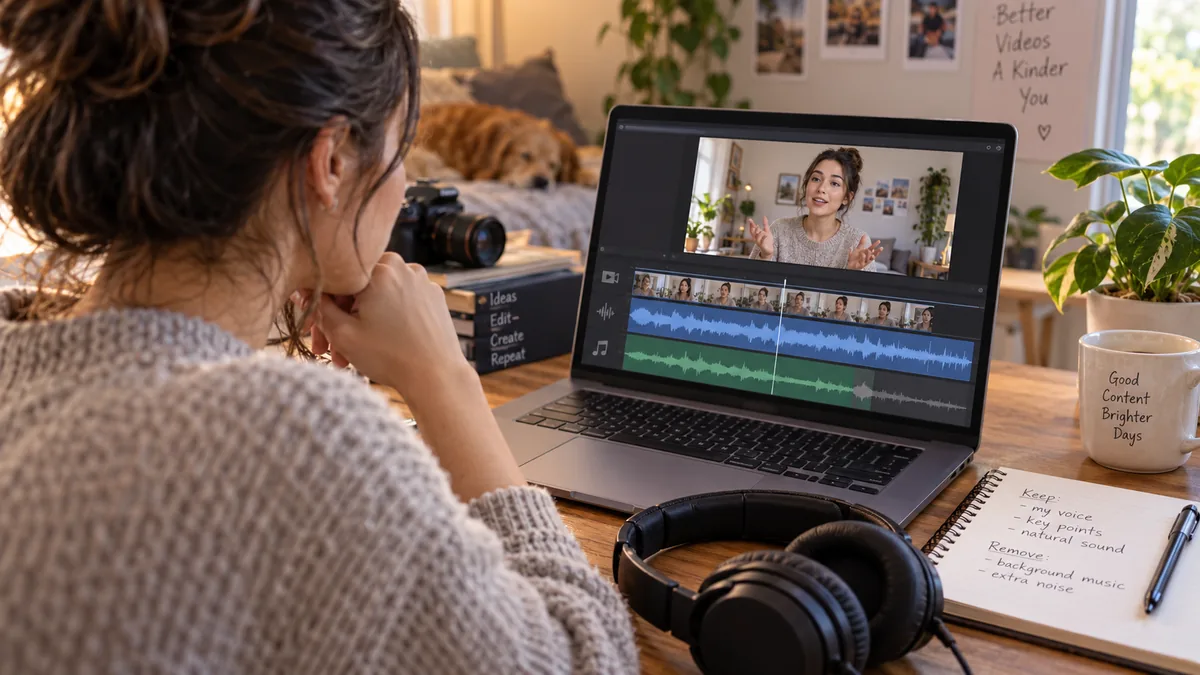 Music replacement workflow
Choose between YouTube Studio's claimed-song editing and processing an authorized source file, with realistic limits for dialogue and sound effects.
Read the workflowFIELD GUIDES
Each guide begins with the real constraint: a finished mix cannot always be unfolded into perfect original stems.
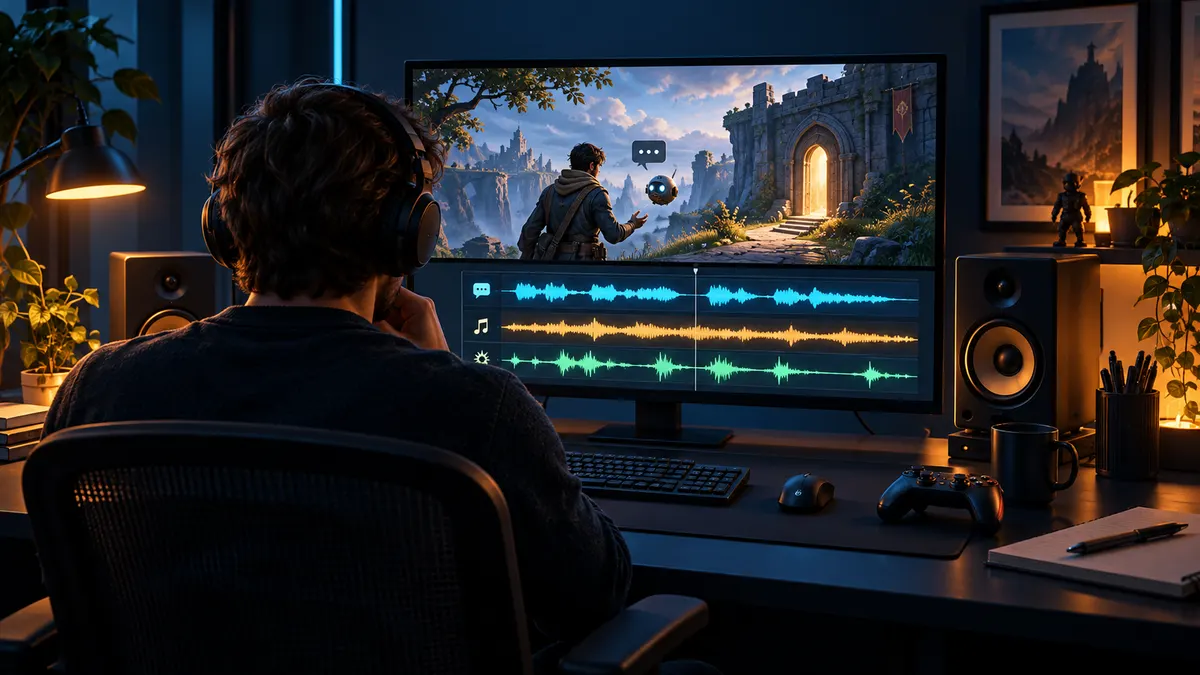 Gameplay audio workflow
10 min read
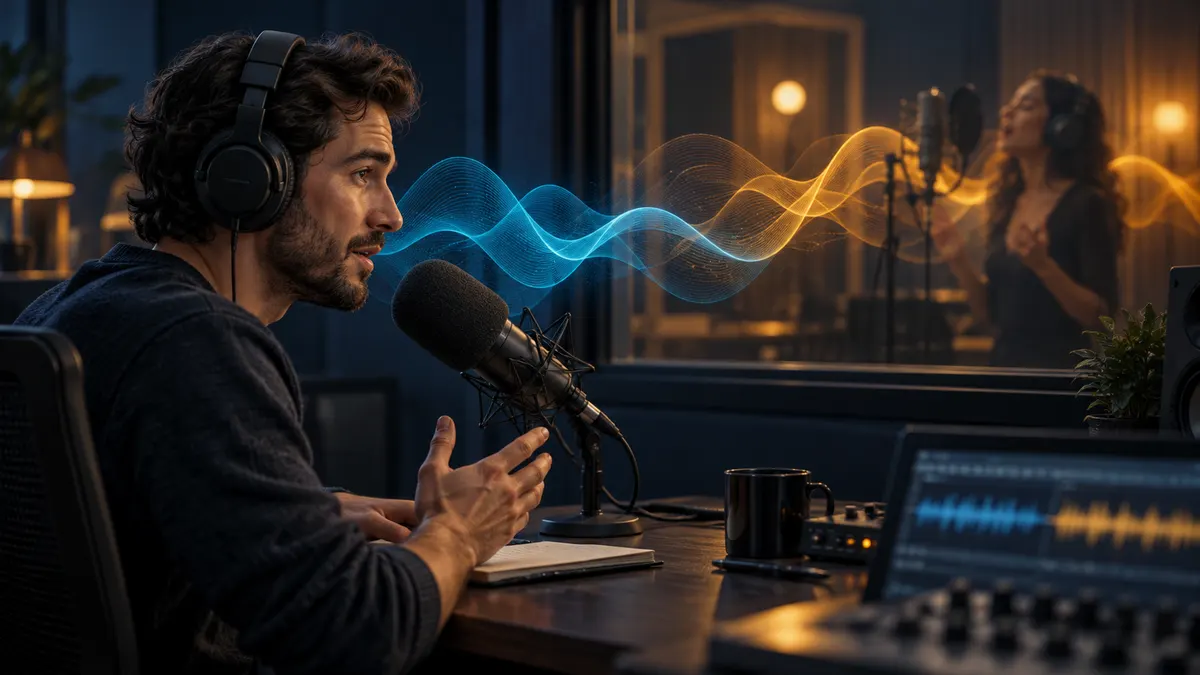 Dialogue and singing
10 min read
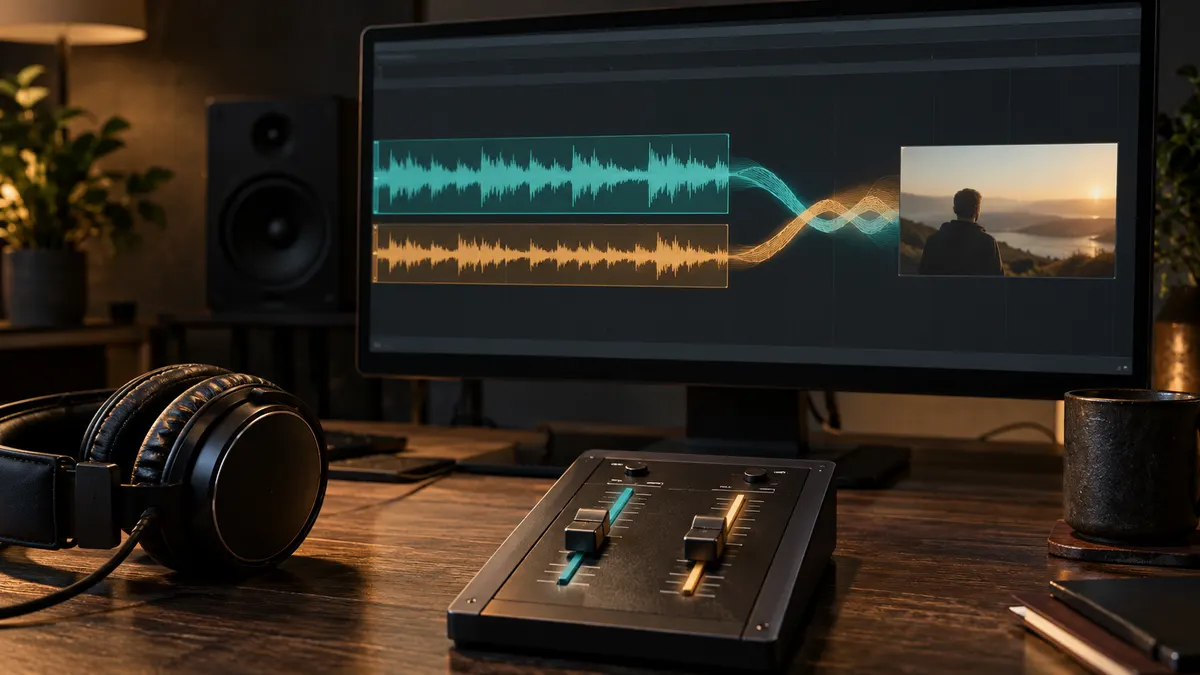 Track control / music separation
11 min read
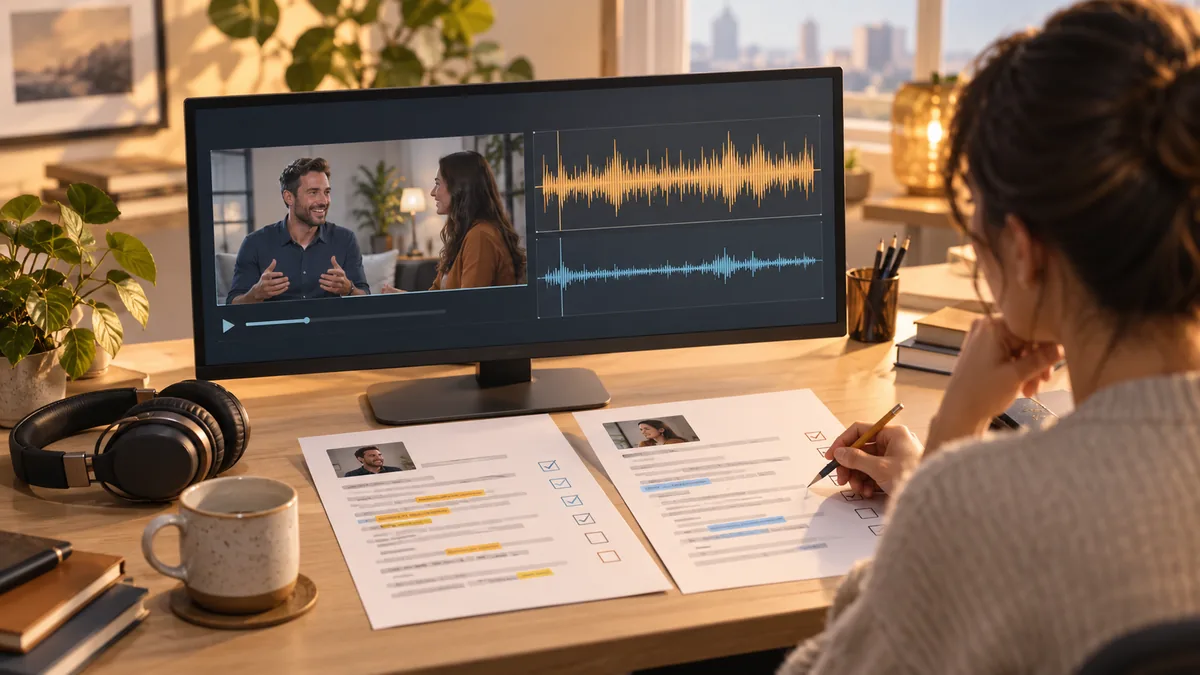 Transcription workflow
11 min read
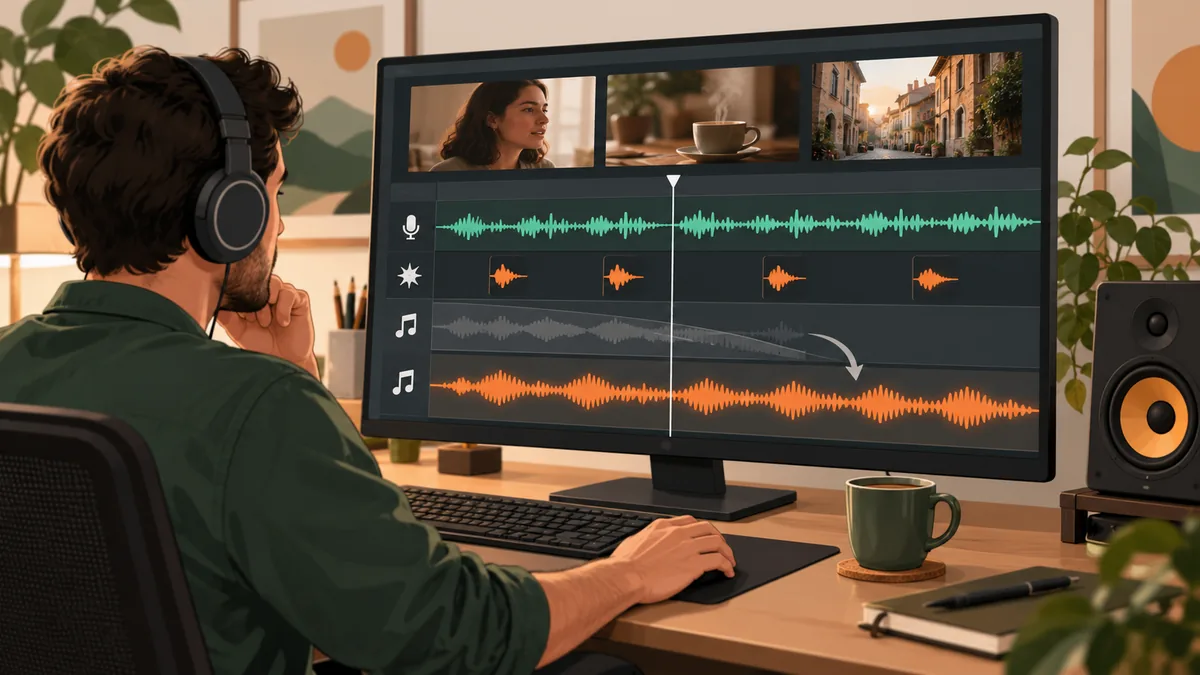 Music replacement workflow
11 min read
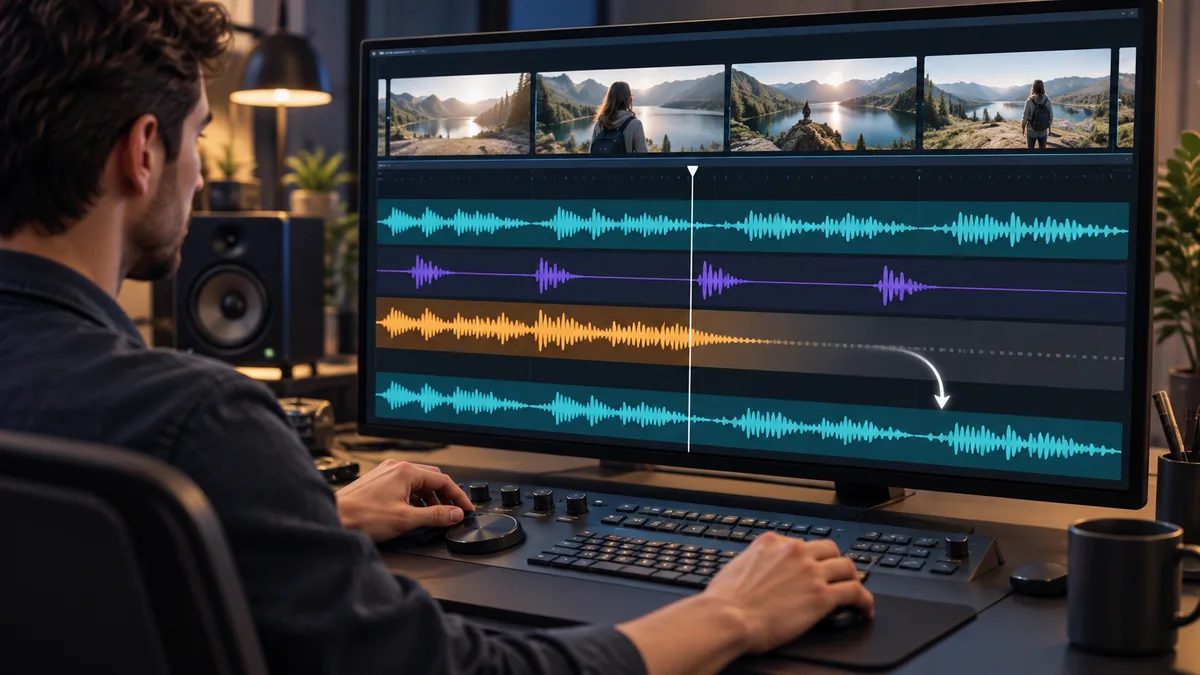 MP4 workflow guide
13 min read
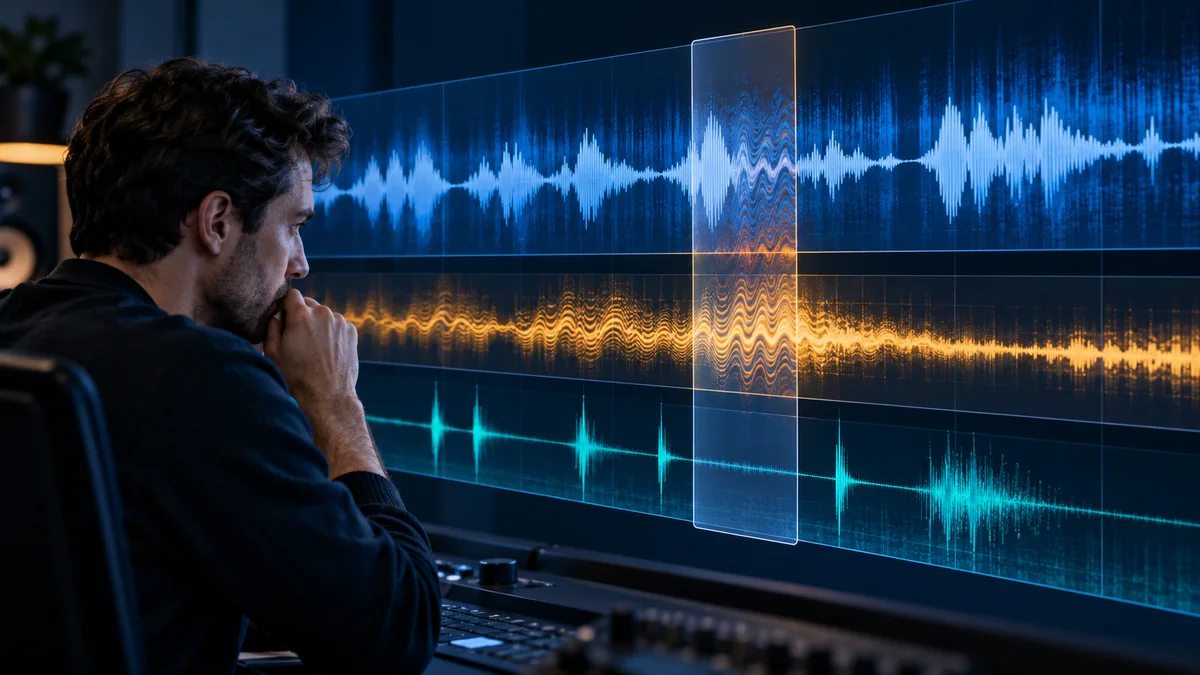 Separation troubleshooting
12 min read
 Workflow comparison
8 min read
 Preview method
7 min read
 Listening decision
8 min read
TEST THE ACTUAL MIX
Choose a revealing 15-second excerpt, compare the same moment, and continue only when voice and important effects still feel right.
Try a free preview