 RemoveBackgroundMusic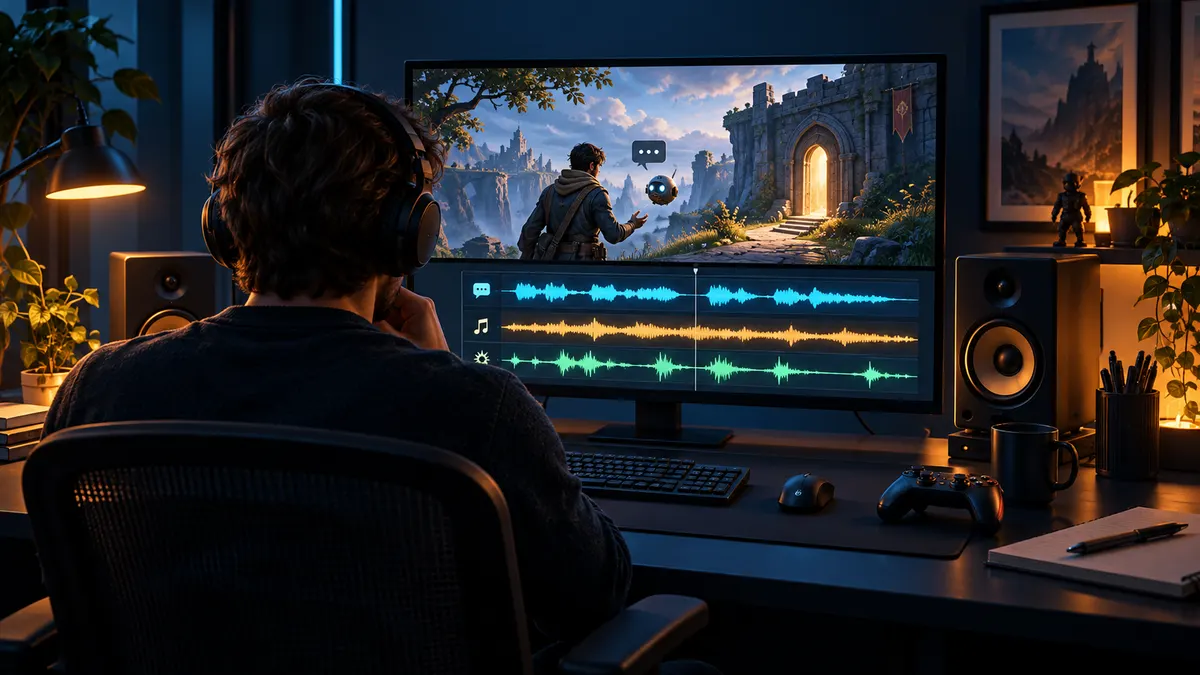
If you want to remove gameplay music but keep character dialogue and game sounds, start by checking whether you can capture the scene again without its music or recover separate source tracks. Use separation only when the finished mixed recording is the source you actually have. Judge voices and essential game events separately before committing to a full result.
Quick answer
Inspect source tracks or try a short re-recording first. If only a mixed file exists, choose a dialogue-and-effects target, preview an overlap containing a required event, compare the same moment with the original, and stop if essential words or effects are lost. Keep timing intact and inspect the exported file; no method guarantees recovery of every sound.
1. Decide whether a better recording is possible
Before separating a finished recording, find out whether you can return to the scene. If the game and capture setup allow another take with its music muted, record a short test and listen to what changed. Do not assume an audio menu controls every cinematic, radio, ambient source or prerecorded sequence. A successful test in one location does not establish the behavior of another. Keep both recordings until you know the replacement contains the dialogue and events your edit needs.
If another take is impossible, look for the capture project, alternate recordings or separately recorded commentary. Ask a collaborator which tracks were included rather than guessing from filenames. A clean microphone recording can solve a commentary problem while leaving game dialogue embedded in the game mix. This distinction matters: recovering a narrator and recovering a character speaking over a score are different editing jobs, even when both sound like voice removal problems.
2. Inspect what each audio track actually contains
Multiple recording tracks are useful only when they separate the sounds you need to control. A microphone track, a game track and a combined stream track do not necessarily provide separate music and effects. Listen to each track on its own and label its contents. Do not mute the only copy of a character line because the track is called game audio, or assume commentary and game dialogue can be processed with the same target.
Write a small source inventory before changing anything: original picture, original soundtrack, microphone recording, alternate take and any authorized effect assets. Record the start offset of each item. Track selection and stream copying are container operations, not sound separation. FFmpeg documents those operations, but its ability to select an audio stream does not mean a single mixed stream can be divided into its original music, dialogue and effects without estimation.
3. Define which scene sounds must survive
Make the acceptance test specific to the edit. A tutorial may depend on spoken instructions and interface confirmations. A cinematic excerpt may depend on a quiet character line, a door closing and the room tone after it. An action sequence may rely on footsteps, weapon impacts or engine sounds. These examples are listening targets, not claims that a separator will retain those events. Write down the few events that would make the edit unusable if they vanished.
Choose Dialogue only when people speaking are the priority and the other scene sounds are expendable. Choose Dialogue & sound effects when non-music events matter too. The latter aims to retain more of the scene, but a percussive effect can resemble music and a sustained effect can resemble an instrument. Neither label guarantees that the required events remain. Evaluate the actual output against the inventory instead of approving a result merely because the score is quieter.
4. Preview a revealing overlap, not an easy pause
Select a passage where music overlaps a wanted voice or effect. Include an event beginning and its tail when possible; a clipped excerpt can hide a damaged decay. A quiet menu or a passage with no dialogue may produce a clean result without testing the part that matters. If the file changes substantially between conversation and action, one sample cannot validate both. Keep notes about the regions you have and have not checked.
The current free preview on this site is up to 15 seconds and no more than half the source file. It is a sample of a selected region, not a full quality assessment. The tool accepts a supported local file rather than a public gameplay URL. If you only have a viewing link, obtain an authorized source first. Do not pay for full processing solely because an unrelated demonstration or a different game's recording sounded good.
5. Compare the same moment at a similar listening level
Switch between the original and processed passage without moving to a different event. Compare at a similar perceived speech level so that a louder result does not seem better just because it is louder. First follow the words. Then listen to the effect you identified. Finally listen to the background between events. A result can pass the dialogue check and still turn the scene unnaturally empty by removing ambience.
For an impact, check the initial hit, the decay and the space after it. For footsteps, check whether the pattern remains consistent instead of losing occasional steps. For a vehicle or room sound, listen for pulsing or abrupt texture changes. These are proposed review checks, not observations from a gameplay benchmark. If the distinction is hard to hear, keep the original and the two versions available rather than declaring a winner from a single quick listen.
6. Separate music residue, missing effects and playback trouble
Music remaining in a pause is different from a voice sounding watery or an effect disappearing. Describe the symptom before trying another treatment. If audio never starts, shows a player error or the download does not finish, resolve that delivery problem first. A silent player does not prove that a model removed everything. Confirm you are listening to the processed track and that it is not muted.
If the output plays but an essential event is missing, return to the untouched source. Repeatedly processing an already separated result can make damage harder to evaluate and does not guarantee recovery. A different supported target may be worth comparing from the original, but keep it only if the wanted sounds improve. The acceptable result is the one that satisfies the scene's requirements, not necessarily the version with the smallest amount of audible music.
7. Make a keep, repair or stop decision
Keep a result when the dialogue and essential events remain useful for the intended edit. Repair it when a limited region can be replaced from an authorized alternate recording, source track or production asset. Stop when the most important words or effects cannot be recovered convincingly. The possibility of a quieter score is not a reason to accept a broken sentence or remove a sound that explains the action on screen.
A hypothetical edit might need a character's name and a latch sound at the same time as a musical accent. If either disappears, the sample has not passed that edit's test, even if the rest sounds clean. This example describes how to decide, not a claimed product result. If re-recording or returning to the source project is available, that route may be less work than reconstructing damaged scene audio.
8. Keep cleaned audio aligned with the picture
Preserve the starting offset when you move cleaned audio into an editor. Do not trim leading silence from only one version and then assume both still line up. Check visible speech or a distinct event near the start, middle and end. Correct alignment at the first frame does not prove a longer clip stays synchronized. Keep the source picture and an untouched soundtrack so you can compare any timing problem with the original.
When replacing a soundtrack, disable the old mixed audio in the final timeline rather than letting it play underneath the cleaned copy. Otherwise the old music may still be audible because you are hearing two versions at once. Confirm the intended audio track is selected in the exported file. Container support and destination playback requirements vary; picture stream copying can avoid video re-encoding where supported, but it does not reverse changes made during audio separation.
9. Add new music only after approving the cleaned scene
Listen to the cleaned version without a new song first. Replacement music can mask damaged words, missing impacts or unstable ambience and make an incomplete cleanup seem acceptable. Once the dialogue and events stand on their own, add a track you are authorized to use in your external editor. Check the mix again during pauses and transitions, not just the loudest passage.
Replace Music is not available in this product. The site does not accept a new music track or automatically mix it into the output. Its role in this workflow is to let you evaluate a cleaned soundtrack before continuing elsewhere. An interest form is research and does not add a replacement feature to a purchase. If you still have separate music and scene tracks, edit those directly instead of flattening them and separating them again.
10. Review the actual delivered file and document limits
Play the exported deliverable rather than relying only on the editor preview. Check both channels, important words, a quiet interval and at least one effect-heavy passage. If you are handing the clip to another editor, identify which version was used, which regions were repaired and what remains uncertain. A short written note about a damaged event is more useful than a vague statement that the AI cleanup worked.
For an issue report, give the moment inside the preview and the sound you expected to keep. Optional support listening applies only to an explicitly authorized, unexpired processed preview; reporting does not upload the original recording or extend its retention. Avoid putting private media links or sensitive content into general feedback. A technical completion status or successful file download establishes delivery, not artistic approval of the soundtrack.
Evidence, illustration and scope
This is a source-selection and listening procedure, not a measured comparison of games, recorders or separation models. No customer recording was used to write it, and no named game or console was tested for this article. The cover is an AI-generated editorial illustration of an imaginary game-editing setup, not a game screenshot or proof of a separation result. Treat the event examples as checklists to apply to your own authorized recording.
The primary references below explain the broad soundtrack separation problem, the possibility of artifacts and the distinction between selecting streams and processing their contents. They do not endorse this product or establish a gameplay success rate. Music removal also does not clear rights in a game, performance, recording or replacement song. If the source is unsuitable, the useful outcome of a preview may be deciding to record again or stop, rather than buying more processing.
A practical decision checklist
- Keep an untouched authorized source and identify the sounds the edit must retain.
- Choose a sample containing the actual overlap, not an easy introduction.
- Compare the same moment at similar speech loudness and check playback state.
- Evaluate wanted dialogue and scene sounds separately from unwanted music.
- Inspect the full exported result and retain notes about uncertain regions.
Bottom line
Start with source assets when available. Use a preview to decide whether this recording can meet a specific listening requirement, and stop when removing unwanted sound damages what the edit needs. A measured, scene-specific decision is more useful than a promise of perfect separation.
Sources, related guidance and update notes
Reviewed on October 23, 2026. The primary sources below support the technical context; they do not endorse this product. Product behavior and separation models can change, so use the current preview from your own source as the final decision point.
- The Cocktail Fork Problem: Three-Stem Audio Separation for Real-World Soundtracks — Primary research defining speech, music and effects separation; not a benchmark of this service.
- Tackling the Cocktail Fork Problem for Separation and Transcription of Real-World Soundtracks — Primary research on separation artifacts and downstream evaluation; no result is attributed to this product.
- FFmpeg documentation: stream selection and streamcopy — Official container and stream-handling documentation; selecting tracks is different from separating a mixed soundtrack.
Related guidance
- Keep dialogue and scene sound
- Choose targets when background singing overlaps dialogue
- Troubleshoot quality and delivery symptoms
- Choose a revealing preview
Read the editorial and testing policy for how product examples, limitations and corrections are handled.