 RemoveBackgroundMusic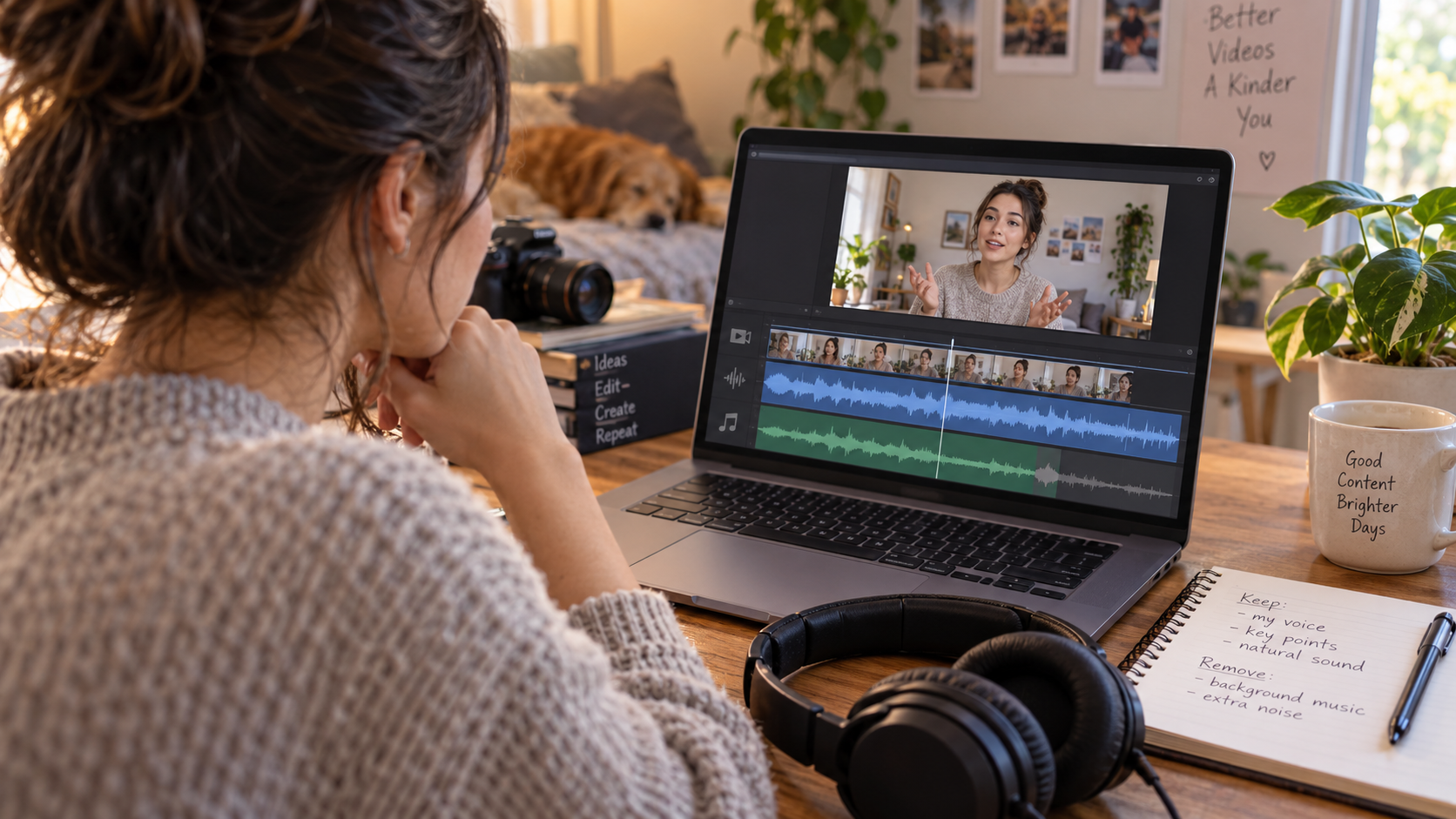
Sometimes, but the right method depends on whether you control the upload and whether you have an authorized source file. For an eligible claimed song in your own upload, YouTube Studio offers an Erase song option that attempts to remove the song without muting other audio; it can fail on difficult mixes. If you have the editing project, removing its music track is more direct. If you only have a finished file, preview music separation and inspect dialogue and needed effects before committing. A processed local file does not update the existing YouTube upload or guarantee removal of a copyright claim.
Quick answer
- Own upload with an eligible audio claim: inspect the available Studio editing options.
- Original editing project available: disable or adjust the separate music track there.
- Authorized finished file only: evaluate a separation preview before processing the full mix.
- Someone else's public link only: request permission and a source file; visibility is not an editing license.
- Need every spoken word and effect: check difficult overlaps, not just the quiet introduction.
These are different workflows. A tool that makes a quieter local soundtrack is not necessarily a tool that edits an existing online upload. Decide which result you need before choosing a button or paying for processing.
First decide: change the upload or create a local file?
If the problem is a claimed song in a video already on your channel, an available YouTube Studio edit may address the published upload. If your goal is to create a music-reduced file for a presentation, edit, or archive, you need an authorized media file and an output workflow.
Do not confuse those results. Downloading a processed file does not silently replace the soundtrack of an existing YouTube post. Likewise, a successful Studio edit is not a promise that you now possess an editable, separate dialogue stem for another project.
| Your starting point | Practical first route | Important limitation |
|---|---|---|
| Your upload with an eligible claimed song | Review Studio's available claim-editing options | The separation may fail, and saved edits have consequences |
| Your original project with music on its own track | Disable or reduce that track and export | Check that dialogue and effects are not routed into it |
| Authorized finished video file | Preview music removal or reduction | The mixed soundtrack may lose voice detail or effects |
| A public link without an authorized source | Ask the owner for the file and permission | A viewing link is not an editable source or blanket permission |
This decision is more important than the video's platform label. Once a finished soundtrack is flattened into a single mix, removing one source becomes a separation problem regardless of where the video was published.
Route 1: inspect YouTube Studio's claimed-song options
YouTube's official claimed-content editing guide describes Erase song for eligible audio claims. It distinguishes trying to remove the claimed song from muting all sound in the affected segment, and it warns that some songs are difficult to remove.
For a video you control, inspect the options in its Studio claim details. Do not choose all-sound muting if the segment's dialogue must remain.
Preview the affected passage rather than relying on the option's name. Listen for the spoken words, their endings, and any important scene sounds. A quiet musical bed is not a useful improvement if the explanation or conversation becomes unintelligible.
Back up first: YouTube documents that saved Studio Editor changes cannot be reverted through its former original-reversion feature. Read the warnings for your upload before saving.
This option concerns the claimed material and the controls actually offered for that upload. Do not assume it is a general music-removal service for every video, every soundtrack, or a video on someone else's channel.
Route 2: return to the original project or clean master
If you created the video, find the editing project, microphone recordings, or a music-free master before separating the finished export. Disabling a known music track is different from asking a model to infer which sound belongs to it.
Check track routing before exporting. A track labeled music may include a transition sound, a recorded performance, or dialogue accidentally mixed into the same stem. An effects bus may contain tonal sounds you still want. Labels are useful starting points, not guarantees of clean source separation.
Ask collaborators for the exact material needed: dialogue only, dialogue with room sound, or a mix containing important effects but no score. Be explicit about applause, alerts, footsteps, and ambient sound if they carry meaning in the scene.
Keep the project and original master unchanged. Export a new version with a descriptive name. Compare the result under picture and check the start, the end, and an edit boundary where the removed music once covered a transition.
If you need a new soundtrack rather than silence, our replacement-music workflow covers the later mixing stage. This article's decision is about choosing a valid route to remove or reduce the existing music.
A YouTube download is not always an editable source
The official offline-download FAQ distinguishes offline viewing from ordinary media access and explains that app downloads are stored for playback within the app. Do not assume an offline viewing copy is a transferable MP4 you can upload to an editor.
For your own material, first look for the original export or use the official owner-controlled backup paths described in YouTube's help. For client material, ask the owner to provide an authorized source file. This avoids basing the workflow on an inaccessible or heavily processed viewing copy.
Do not bypass access restrictions, use private credentials from another person, or treat a public post as permission to republish. The technical ability to separate music does not determine your rights to the footage, voices, performance, or remaining soundtrack.
Permission and the audio result are separate checks. A perfectly understandable soundtrack can still be unsuitable to reuse without authorization. Conversely, permission does not make a badly overlapped mix easy to repair.
How to preview the voice, not just the disappearing music
Choose a passage where music and speech genuinely overlap. A silent gap or a quiet opening can make the process look more successful than it is. Include a soft sentence ending and an important word if those are part of the task.
The preview-selection guide explains how to select a difficult section. For this YouTube workflow, also include any scene sound the audience needs to understand the action, such as an instruction cue or a reaction.
Listen to original and result at comparable comfortable loudness. Note whether each important word remains clear, whether singing still competes with the speaker, and whether the room sound abruptly drops between syllables. Do not make the result louder simply to disguise lost detail.
Inspect the picture while listening. A missing click, impact, or alert can be an editorial problem even when the voice survives. A scene's meaning can depend on more than its dialogue, so decide what must remain before approving the output.
If the preview leaves watery speech, broken consonants, or distracting residual music, stop and compare a more conservative result or a better source. Our voice-artifact guide covers that diagnosis. A short preview cannot prove that an entire long video will succeed.
A repeatable acceptance check
Create a simple review sheet with the source filename, permission status, chosen route, affected segment, processing choice, and words or effects that must survive. Keep the untreated file beside the candidate result. This is a proposed method, not a separation benchmark or a record of testing your video.
Check an ordinary spoken passage, the hardest musical overlap, and a quiet ending. For a longer file, also sample later sections where the speaker level or musical arrangement changes. Record both improvements and damage rather than giving the file a single unqualified “clean” label.
Your acceptance question should match the destination. A private rough reference may tolerate residual music; a public instructional video may need every instruction clearly audible. Neither task justifies inventing words lost in the original mix.
For a Studio edit, include the additional decision of whether you are ready to save a change to the existing upload. For a local-file workflow, include synchronization and export checks. Those checks are different, and completing one does not complete the other.
Retain a note explaining why you accepted or rejected the version. It will be more useful in a future review than a filename that says perfect or final without any explanation.
Limits: dense mixes, singing, and damaged sources
Music and speech can overlap in frequency and time. A sung vocal may compete directly with dialogue, and a dense score can mask quieter syllables. Separation may leave residue or alter wanted sounds; it does not recreate a clean production stem with certainty.
Important effects can also resemble musical events or sit under the same peaks. The intended residual soundtrack is not a guarantee of intact effects. Source compression, existing distortion, and repeated exports can further limit what is recoverable.
In those cases, an authorized dialogue track, alternate mix, or rerecording may be the better solution. Muting all audio works only when silence is acceptable. It is not a method for preserving speech.
Do not use the phrase copyright-free as a description of the processed output. Reducing music is an audio change, not a legal conclusion or a promise about automated matching systems.
FAQ
Can I paste a YouTube URL into RemoveBackgroundMusic.com?
The current workflow uses a supported local file. Do not assume a public URL is a file input, a download permission, or a way to change the soundtrack of the published upload.
Will YouTube's Erase song preserve every spoken word?
No guaranteed outcome follows from the option's name. Preview the affected passage and check your video's available controls.
Does removing music guarantee the claim disappears?
No external file-processing tool can promise that. YouTube's copyright-claims help explains platform claim handling. Check the actual upload and its claim details rather than assuming a local edit determines the platform outcome.
Why does a vocal remover leave singing instead of dialogue and effects?
Its source categories may focus on song vocals and accompaniment. That is not the same task as removing a scene's music while retaining spoken dialogue, ambience, and effects. Evaluate the actual output rather than treating the word vocal as a complete specification.
Next step and editorial note
If you hold an authorized file and need a local result, try the preview at RemoveBackgroundMusic.com before choosing a full export. Listen for both the wanted voice and the scene sounds that matter. Keep the original and stop if the mixed soundtrack cannot be separated into a useful version.
Prepared by the RemoveBackgroundMusic Editorial Team. Official guidance was checked on October 2, 2026. This article is workflow guidance, not a rights determination or a measured quality comparison. The cover is an AI-generated illustration.